TMS integrations: ELD, EDI, load boards and accounting
Connect the systems you already run.
ELD and telematics, load boards, EDI with your customers, accounting, and the assistant your team already uses. Roadmark reads and writes to what you have, so switching TMS doesn't mean switching everything else too.
 Trimble TMW
 QuickBooks
 Salesforce
 Snowflake
 Claude
- ChatGPT
 Gemini
- MCP
Find yours by category.
Every system Roadmark connects to, in one place. Filter by what it does.
43 integrations
Hours of service, location and engine data every few minutes.
How Samsara connectsHours of service, location, inspections and vehicle diagnostics.
How Motive connects

GPS location, engine fault codes and idle time.
How Geotab connects

Hours of service and macro-based driver messages.
How Omnitracs connects

Post open loads and pull truck postings for backhauls.
How DAT connectsPost open loads and search for available capacity.
How Truckstop connects

Real-time location and predictive ETAs for your customers.
How project44 connects

Real-time location and predictive ETAs for your customers.
How FourKites connects Google Maps
Route distance, drive time and geocoded stop addresses.
Container availability, holds and last free day from terminals and railroads.
How Terminal49 connects- QuickBooks
Online and Desktop: invoices, carrier bills and payments, synced both ways.
How QuickBooks connects  Sage Intacct
Invoices, carrier bills and payments, synced both ways.
How Sage Intacct connects Xero
XeroInvoices, carrier bills and payments, synced both ways.
How Xero connects- NetSuite
Invoices, carrier bills and the general ledger.
How NetSuite connects 

Invoices, carrier bills and the general ledger.
How Dynamics 365 connects

Fuel card transactions matched to trucks and loads.
 Stripe
Customer payments and payouts, reconciled to invoices.

 Outlook
Quote requests and rate confirmations read into draft loads.
How Outlook connects Gmail
GmailQuote requests and rate confirmations read into draft loads.
How Gmail connects Microsoft 365
Mailbox, calendar and file access for your team.
 Google Workspace
Mailbox, calendar and file access for your team.
 Microsoft Teams
Load and exception alerts posted to the right channel.
- EDI X12
204 tenders in; 990, 214 and 210 out, at the standard set.
How EDI X12 connects - Salesforce
Customer accounts and opportunities linked to their loads.
How Salesforce connects  HubSpot
Customer accounts and opportunities linked to their loads.
How HubSpot connects Zoho CRM
Customer accounts and opportunities linked to their loads.
- Snowflake
Loads, invoices and margin, refreshed on your schedule.
 BigQuery
Loads, invoices and margin, refreshed on your schedule.

 Power BI
Loads, invoices and margin, refreshed on your schedule.
 Excel
ExcelAny report, exported as a workbook on a schedule.
 Zapier
Trigger a workflow on a new load, quote or invoice.

 Make
MakeTrigger a workflow on a new load, quote or invoice.
 n8n
n8nTrigger a workflow on a new load, quote or invoice.
 WhatsApp
Pickup, delivery and exception messages sent to drivers.
 Okta
OktaSingle sign-on and user provisioning for your team.
- Claude
Ask about loads, lanes and customers, right from chat.
How Claude connects - ChatGPT
Ask about loads, lanes and customers, right from chat.
How ChatGPT connects - Gemini
Ask about loads, lanes and customers, right from chat.
How Gemini connects  Microsoft Copilot
Ask about loads, lanes and customers, right from chat.
- MCP
Connect Roadmark to any assistant that supports the standard.
How MCP connects - Trimble TMW
TMW.Suite: orders out; status, stops, POD and costs back.
How Trimble TMW connects - Trimble TruckMate
Through the TruckMate REST API: orders out; trips, status, stops, POD and costs back.
How Trimble TruckMate connects - McLeod
LoadMaster or PowerBroker: orders out; status, stops, POD and costs back.
How McLeod connects
EDI, in the words the tender actually uses.
- 204
Load tender
The customer's TMS sends a load to haul: pickup, delivery, rate and references.
Roadmark automatically turns it into a load, priced at the contract rate, waiting for dispatch to accept.
- 990
Accept or decline
You tell the customer whether you're taking the load, before a truck is assigned.
Roadmark automatically sends the 990 the moment dispatch accepts or declines.
- 214
Status updates
Where the load is: at the shipper, in transit, at the receiver, delivered.
Roadmark automatically sends a 214 at each stop and from the driver's own location.
- 210
Invoice
Your bill for the load, with detention and any other accessorial itemized.
Roadmark automatically sends the 210 once the POD is in and the invoice is approved.
Keep McLeod, TMW or TruckMate, and sync orders and status both ways.
Run quoting, tracking or analytics in Roadmark while dispatch stays where it is. Orders go out with everything dispatch needs; the load's real story comes back.
Roadmark
- Quotes from the inbox
- Customer and carrier portals
- Tracking and ETAs
- Invoices on POD
McLeod, TMW, TruckMate or your own
- Dispatch, as today
- Driver settlements, as today
Most connections don't need your developers.
Adding a system doesn't need your developers, unless you want to build something custom.
1Sign in to the other system
An admin authorizes Roadmark from Samsara, QuickBooks or wherever the data already lives.
About ten minutes2Choose what syncs
Turn on the objects you want: loads, invoices, HOS, whichever direction makes sense.
About twenty minutes3Test with a real load
Run one load through it and check what came across before you turn it on for everything.
About thirty minutes
Questions
What teams ask about connecting systems.
How long does it take to connect a system?
Most connections don't need your developers. An admin authorizes Roadmark from the other system, you choose what syncs, and you test with one real load before turning it on for everything.
Does Roadmark support EDI?
Yes, X12 at the standard set: 204 tenders come in, and Roadmark sends the 990, 214 and 210. A 204 becomes a load priced at the contract rate, waiting for dispatch to accept.
Can we keep McLeod, TMW or TruckMate?
Yes. Run quoting, tracking or analytics in Roadmark while dispatch stays where it is. Orders go out with everything dispatch needs, and status, stops, POD and costs come back.
Does Roadmark connect to DAT and Truckstop?
Yes. Roadmark posts open loads to both, pulls truck postings from DAT for backhauls, and searches Truckstop for available capacity.
Can Roadmark connect to a system that isn't listed?
Yes. Roadmark connects to any system with an API: tell us what you run and we set up the connection with you. Your developers can also build on the Roadmark API, webhooks and MCP server.
Building something we haven't listed? Build it yourself.
The Roadmark API, webhooks and MCP server are open to your developers, with the same permissions as anyone else.
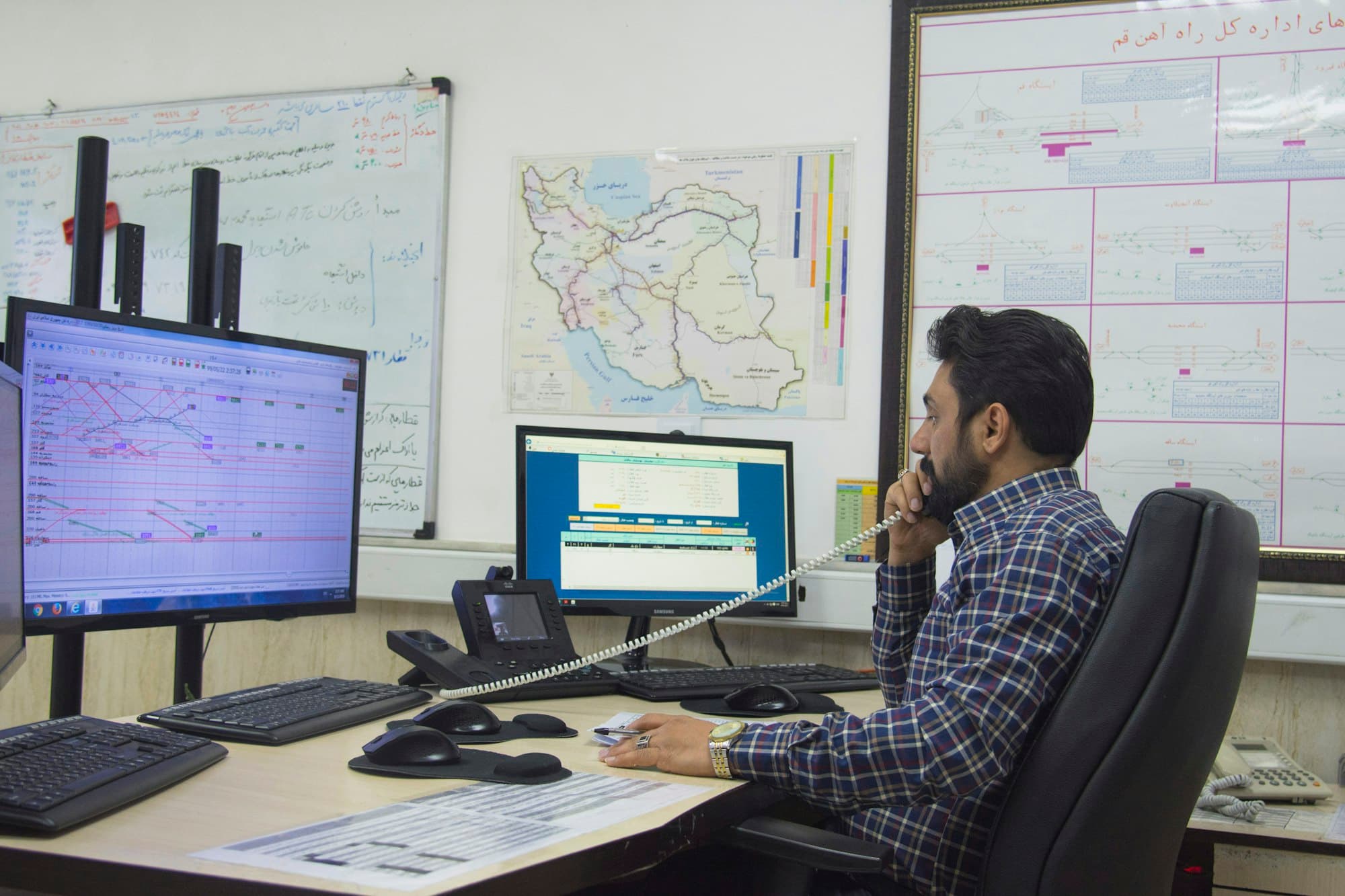
Don't see yours? We'll connect it.
Roadmark connects to any system with an API. Tell us what you run and what should move between it and Roadmark, and we set it up with you.
- ELD, EDI, accounting or anything else
- Set up with you, tested on a real load
- No commitment to switch anything